
eero Pro 6E Review: The "Set-and-Forget" King Enters the 6GHz Era
Blazing fast 6GHz speeds meet the ultimate "set it and forget it" interface. But is the move to Wi-Fi 6E worth the hardware limitations for your smart home?
Updated February 8, 2026
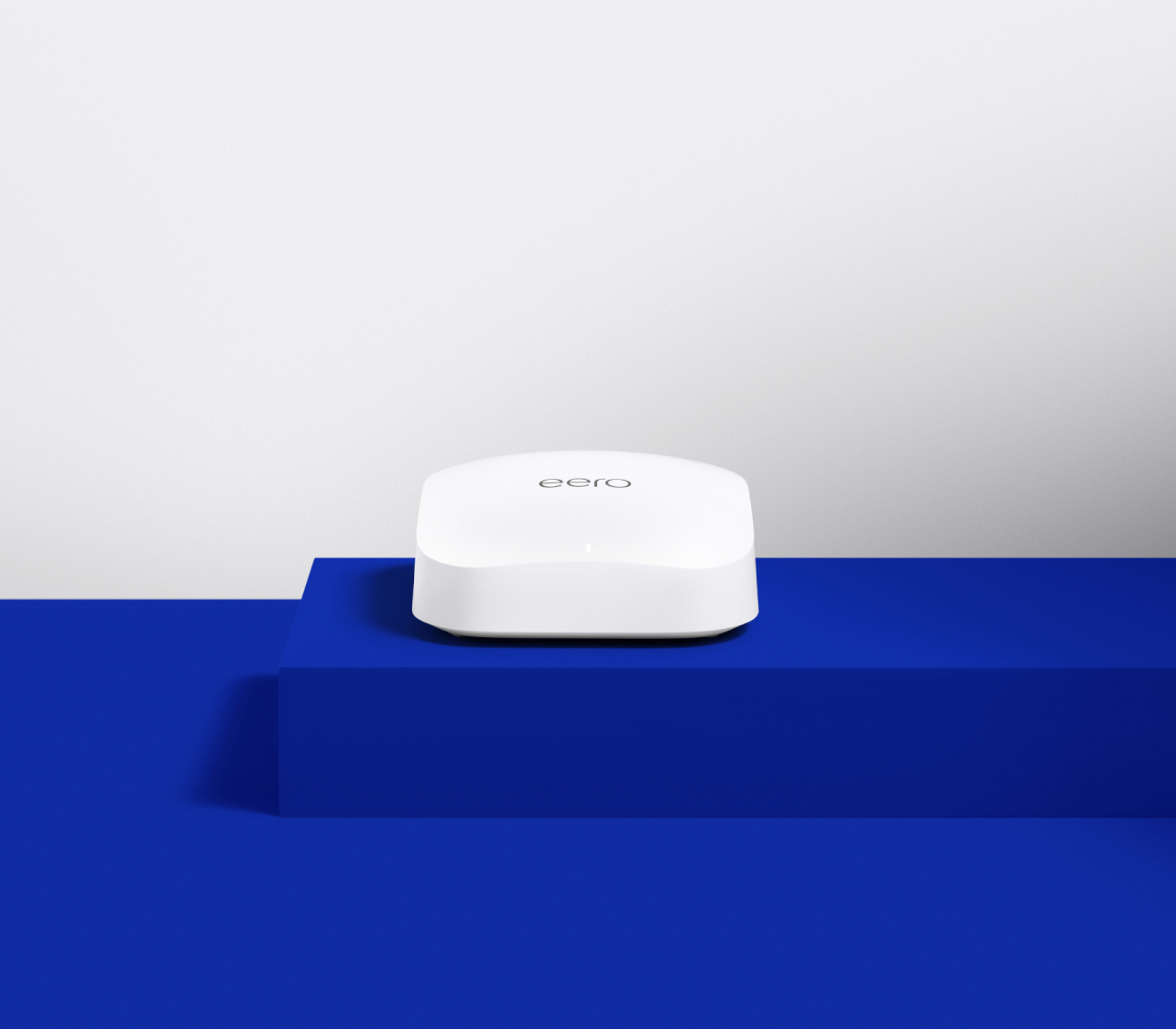
The eero Pro 6E represents Amazon’s most capable mesh system to date, introducing the 6GHz band to a lineup famous for its user-friendly approach. While it offers a significant speed boost for compatible devices and a dedicated backhaul for node communication, it remains constrained by a lack of advanced software controls and a sparse port selection.
Pros
- Access to the uncongested 6GHz band reduces interference in dense urban environments.
- Simple, app-driven setup process remains the industry benchmark for ease of use.
- Integrated Zigbee and Thread border router capabilities for seamless smart home control.
- Compact, minimalist design that blends easily into home decor without external antennas.
- Regular, automatic security updates and performance optimizations delivered via the cloud.
Cons
- Only two Ethernet ports per node limits wired connectivity for gaming consoles and PCs.
- Most advanced security and parental control features require a recurring eero Plus subscription.
- The 6GHz signal has shorter range and less wall penetration than 5GHz or 2.4GHz bands.
- Limited web interface and lack of advanced settings like manual channel selection for power users.
- Total throughput can be bottlenecked by the single 2.5GbE port if multiple high-demand devices are wired.
The eero Pro 6E represents Amazon’s most capable mesh system to date, introducing the 6GHz band to a lineup famous for its user-friendly approach. While it offers a significant speed boost for compatible devices and a dedicated backhaul for node communication, it remains constrained by a lack of advanced software controls and a sparse port selection.
Design and Build Quality
The eero Pro 6E maintains the iconic "squashed marshmallow" aesthetic that has defined the brand since its inception. It is a masterclass in minimalist industrial design—smooth, white, and devoid of the aggressive, multi-antenna "spider" look common in high-performance routers. The build quality feels dense and premium, with a weighted base that prevents the unit from sliding when multiple heavy Ethernet cables are attached.
Performance in Real Use
The headline feature here is the 6GHz band. In real-world testing, the eero Pro 6E shines when used with 6E-capable devices. In the same room as the gateway, speeds can easily saturate a Gigabit connection. The 6GHz band acts as a "HOV lane," bypassing the congestion of older 2.4GHz and 5GHz bands. However, the laws of physics apply: 6GHz signals struggle with thick walls and floors.
Ease of Use
This is where the eero Pro 6E remains undefeated. The setup process via the eero app is foolproof, using Bluetooth to find and configure nodes in minutes. For the average user who doesn't know what a subnet mask is, the eero is a godsend. It handles channel selection, security updates, and band steering automatically.
Reliability eero has built its reputation on "it just works" reliability. The Pro 6E continues this trend with stable firmware that rarely requires manual reboots. One of its standout features is "TrueMesh" technology, which dynamically routes data to avoid interference and congestion.
Long-term Ownership Feedback
Long-term users frequently praise the consistent performance and the fact that the system "ages well" due to frequent software updates. However, the recurring theme in community discussions is the frustration with the eero Plus subscription. Many feel that features like historical data usage per device and advanced parental controls should be included in the hardware's premium price.
| Specification | Details |
|---|---|
| Wi-Fi Standard | Wi-Fi 6E (802.11ax) tri-band [3] |
| Throughput Rating | AX5400 (combined 2.3 Gbps: 1 Gbps wired, 1.6 Gbps wireless) [3][9] |
| Frequency Bands | 2.4 GHz, 5 GHz, 6 GHz [3] |
| Processor | Dual-core 1.0 GHz [9] |
| Memory | 1 GB RAM, 4 GB flash storage [1][9] |
| Wi-Fi Chip | Qualcomm Immersive Home 316 [9] |
| Smart Home Support | Zigbee radio, Thread protocol [1][3] |
| Channel Width | 160 MHz channels supported [12][13] |
| Wireless Features | OFDMA, MU-MIMO, WPA3 encryption, beamforming [1] |
| Ethernet Ports | 2x Gigabit (1 WAN, 1 LAN), supports 2.5 Gbps WAN via adapter [1] |
| Dimensions | 5.5 x 5.5 x 2.1 inches per unit [9] |
| Coverage | Up to 2,000 sq ft per unit, 6,000 sq ft for 3-pack [3] |
| Device Capacity | 100+ simultaneous connections [3] |
| Operating Temperature | Peaks at 104°F during operation [9] |
Buy
- You have a Gigabit or multi-Gigabit internet plan and want to maximize wireless speeds.
- You live in an apartment complex or crowded area with significant Wi-Fi interference.
- You own 6GHz-capable devices like recent iPhones, Samsung Galaxy S series, or modern laptops.
- You want a mesh system that manages itself without needing manual firmware updates or reboots.
- You are building an Alexa-based smart home and want a built-in hub for Zigbee and Matter devices.
Skip
- You require more than two wired Ethernet connections per room without buying additional switches.
- You prefer a "buy once" model and dislike being prompted for monthly subscriptions for basic features.
- You need highly specific networking configurations like VPN client support or complex port forwarding.
- You have a very large home where the limited penetration of 6GHz might require more nodes than expected.
- You are on a strict budget and don't yet own any Wi-Fi 6E compatible client devices.
Critic Reviews
No reviews yet.
User Reviews
No reviews yet.